Video Conferencing Done Right: Best Practices for Professional Meetings
Great video conferencing isn't just about having good equipment—it's about designing systems that work reliably and intuitively for all users. Learn the best practices that separate professional video conferencing from amateur setups.
Video conferencing has become essential for modern business, but not all video conferencing is created equal. Professional video conferencing requires more than just good cameras and microphones—it requires thoughtful design, proper installation, and user training. Here's how to do video conferencing right.
Audio Quality: The Most Important Factor
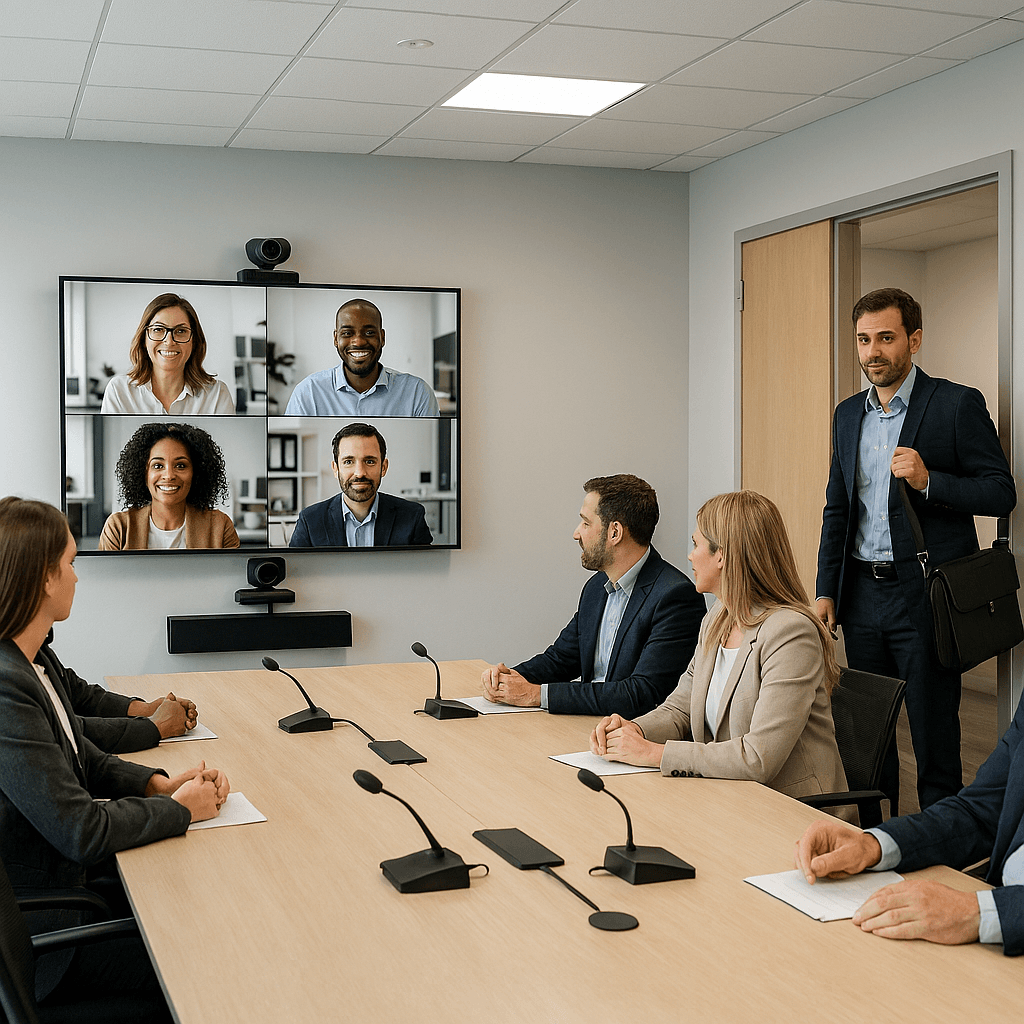
Audio quality is more important than video quality for effective communication. Poor audio makes meetings frustrating and unproductive. Use professional microphones with proper placement and acoustic treatment. Consider ceiling microphones for hands-free operation and table microphones for smaller groups. Implement echo cancellation and noise reduction to ensure clear audio.
Camera Placement and Quality
Camera placement affects how natural video conferencing feels. Position cameras at eye height to create natural eye contact. Use wide-angle lenses to capture all participants without distortion. Consider multiple cameras for larger rooms. Ensure good lighting on participants' faces.
Display and Content Sharing
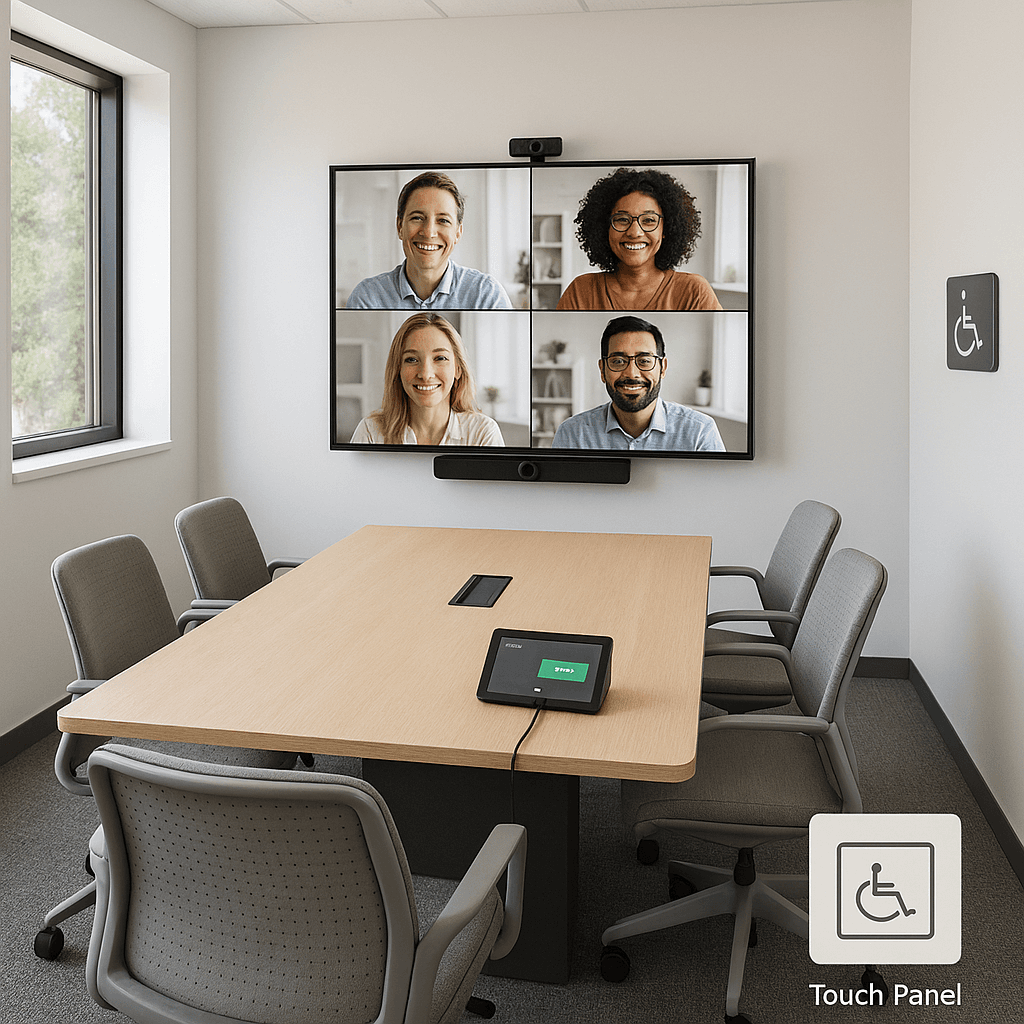
Displays should be positioned so all participants can see them comfortably. Use appropriate screen sizes for the room and viewing distance. Implement easy content sharing that works with all devices and platforms. Consider dual displays for showing both participants and content simultaneously.
Network and Connectivity
Reliable network connectivity is essential for good video conferencing. Use wired connections when possible, and ensure sufficient bandwidth for all participants. Implement quality of service (QoS) to prioritize video conferencing traffic. Consider backup connectivity options for critical meetings.
User Experience and Training
The best technology is useless if people can't use it. Design intuitive interfaces that work consistently across all rooms. Provide comprehensive training for all users. Create quick reference guides and troubleshooting procedures. Consider user feedback and iterate on the system design.
Room Design and Acoustics
Room design significantly affects video conferencing quality. Use acoustic treatment to control echo and reverberation. Ensure good lighting on participants' faces. Position furniture to optimize camera angles and audio pickup. Consider the needs of both in-person and remote participants.
Conclusion
Great video conferencing is about creating an experience that feels natural and professional for all participants. It requires attention to audio quality, camera placement, display positioning, network connectivity, and user experience. But most importantly, it requires understanding that video conferencing is a tool for communication, not just technology.
The goal is to make video conferencing so good that people forget they're using technology and focus on the meeting itself. With the right approach, you can create video conferencing experiences that enhance collaboration rather than hinder it.
Key Takeaways
- •Audio quality is more important than video quality for effective communication.
- •Position cameras at eye height and ensure good lighting on participants.
- •Use appropriate displays and implement easy content sharing.
- •Ensure reliable network connectivity with sufficient bandwidth.
- •Design intuitive interfaces and provide comprehensive user training.
- •Optimize room acoustics and lighting for video conferencing.
- •Make sharing instant and device‑agnostic; dual displays improve flow.
- •Monitor, maintain, and support rooms proactively to sustain trust.