Conference Room AV Checklist for Small Businesses
A practical checklist for small businesses planning reliable conference room AV, from displays and microphones to network and support.
Small business conference rooms are often asked to do enterprise-level work with tighter budgets and fewer support resources. The room has to host client calls, internal planning, interviews, sales demos, vendor meetings, and hybrid work sessions. When the technology fails, the business feels it immediately. A good conference room AV plan does not start with a shopping list. It starts with the way people meet. How many people sit in the room? Do guests bring laptops? Which platform is standard? Are meetings mostly internal, client-facing, or training oriented? The answers determine whether the room needs a simple all-in-one bar, a dedicated room system, ceiling microphones, a larger display, or more advanced control. Use this checklist to make better decisions before buying equipment or requesting a quote.
Start with the Meeting Experience
Define the most common meeting types before choosing equipment. A four-person huddle room has different needs than a twelve-person conference room. If remote attendees are common, camera framing and microphone coverage matter more than almost anything else. If the room is used for presentations, display size and content sharing become central.
Think about who operates the room. A space used by clients, executives, or rotating staff should be simple and predictable. One-touch join, clearly labeled inputs, and familiar platform behavior are more valuable than rarely used features. The goal is for a non-technical user to start a meeting without calling for help.
Also decide whether the room should support BYOD. Bring-your-own-device workflows are useful for guests and mixed-platform environments, but they need clean USB, HDMI, or USB-C routing. A messy cable bundle on the table is usually a sign that the workflow has not been designed.
Audio Comes Before Video
Many buyers focus on camera resolution and display size first, but audio quality determines whether a meeting succeeds. Remote participants can tolerate a slightly imperfect camera image. They cannot work around echo, low volume, room noise, or voices that disappear when someone turns away from the table.
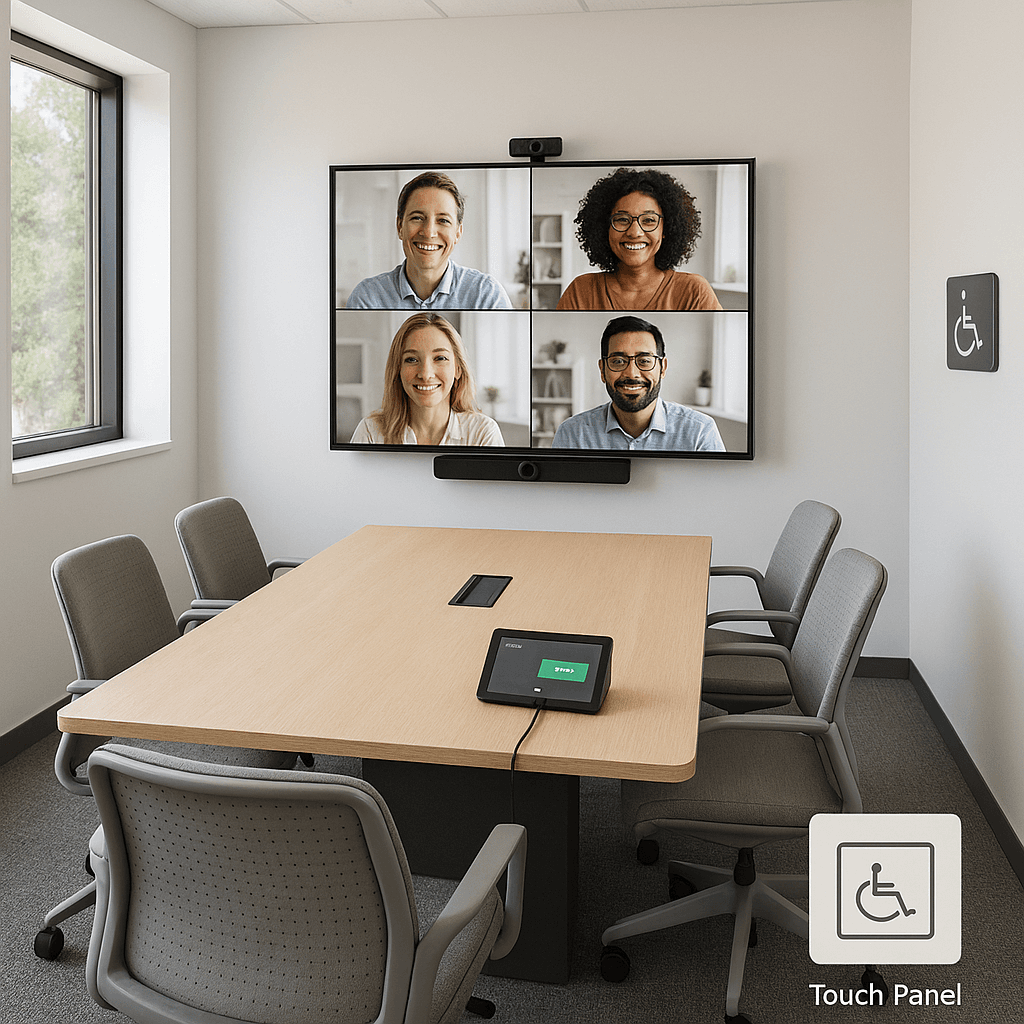
Small rooms may perform well with an all-in-one video bar. Larger rooms often need table microphones, ceiling microphones, or a DSP-managed audio system. Hard surfaces, glass walls, open ceilings, and HVAC noise all affect the choice. A system that works in a carpeted room may struggle in a lively space with exposed concrete and glass.
Good audio design also includes speaker placement and echo cancellation. The system should make speech clear without creating feedback or listener fatigue. If the room is client-facing, audio is where professional design pays back quickly.
Plan Displays, Cameras, and Content Sharing Together
The display should match room depth and viewing distance. A screen that looks large on paper may still be too small for spreadsheets, construction drawings, dashboards, or detailed slide decks. In some rooms, dual displays make sense: one for remote participants and one for shared content.
Camera placement affects eye contact. Mounting a camera too high, too low, or too far from the display can make remote meetings feel unnatural. Auto-framing and speaker tracking help, but they do not replace basic placement decisions. Lighting matters too; backlit windows and dim faces can make a good camera look poor.
Content sharing should be obvious. Decide whether users will share wirelessly, through USB-C, through HDMI, or through the meeting platform. The more options you support, the more carefully the interface needs to guide users.
Do Not Forget Network, Power, and Support
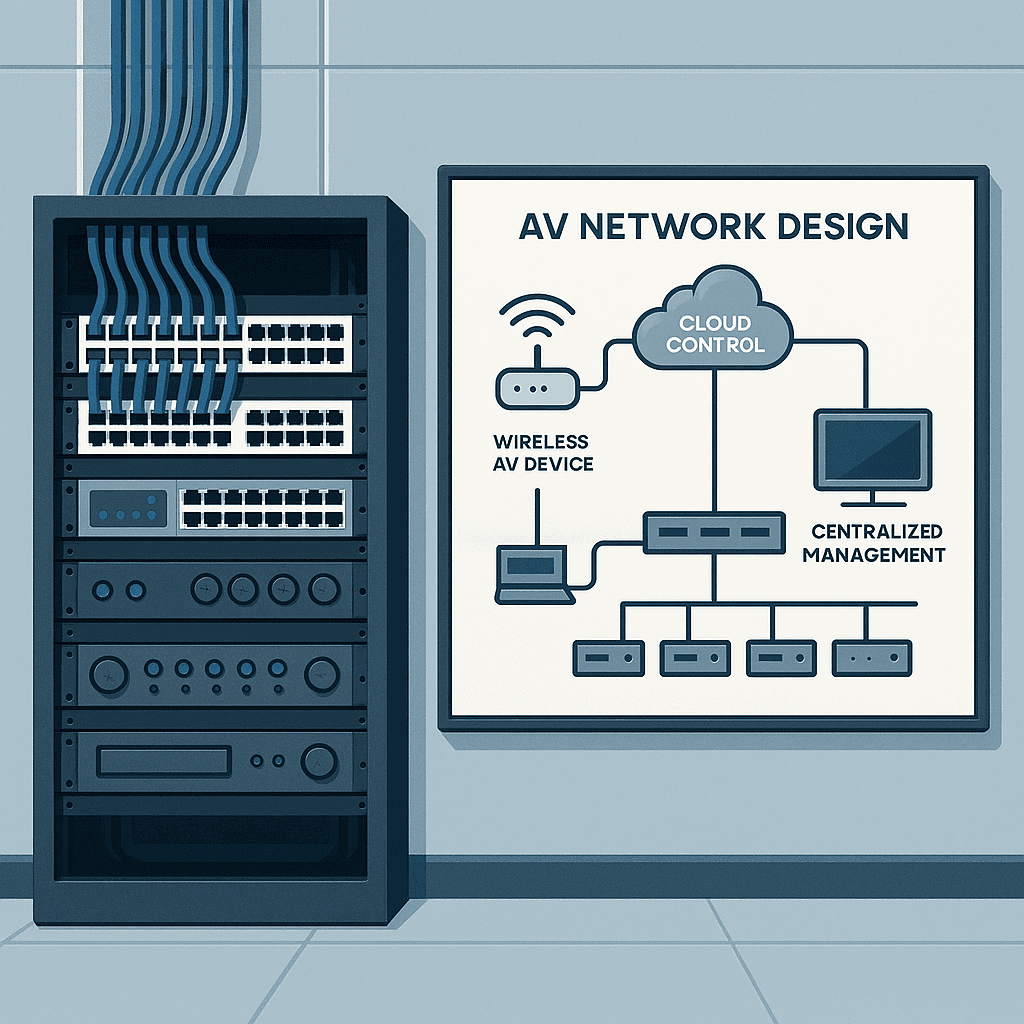
Modern conference rooms are networked systems. Cameras, control panels, room PCs, scheduling panels, and displays may all need network access. Some require PoE, VLAN planning, firmware updates, or device management. If IT is not involved early, installation can stall at the point where everything is physically mounted but not allowed on the network.
Power and cable pathways should be planned before furniture arrives. Table boxes, floor cores, wall plates, conduit, and display backing can affect both cost and reliability. Clean infrastructure makes the room easier to service and keeps the final installation from looking improvised.
Support should be part of the design. Decide who handles updates, password changes, platform changes, and user questions. For small businesses without dedicated AV staff, documentation and a clear support path are essential.
Conclusion
A reliable small business conference room is not about buying the most expensive gear. It is about matching the system to the meetings that actually happen, protecting audio quality, simplifying operation, and coordinating network and infrastructure details before installation.
When the checklist is handled well, meetings start faster, remote participants feel included, and staff stop avoiding the room. That everyday reliability is what turns conference room AV from a frustrating expense into useful business infrastructure.
Key Takeaways
- •Define the room use case before selecting hardware.
- •Prioritize microphone coverage and echo-free audio.
- •Match display size and camera placement to the room.
- •Decide early whether BYOD, Teams Rooms, Zoom Rooms, or mixed workflows matter.
- •Include network, power, documentation, and support in the project scope.